Flash firmware
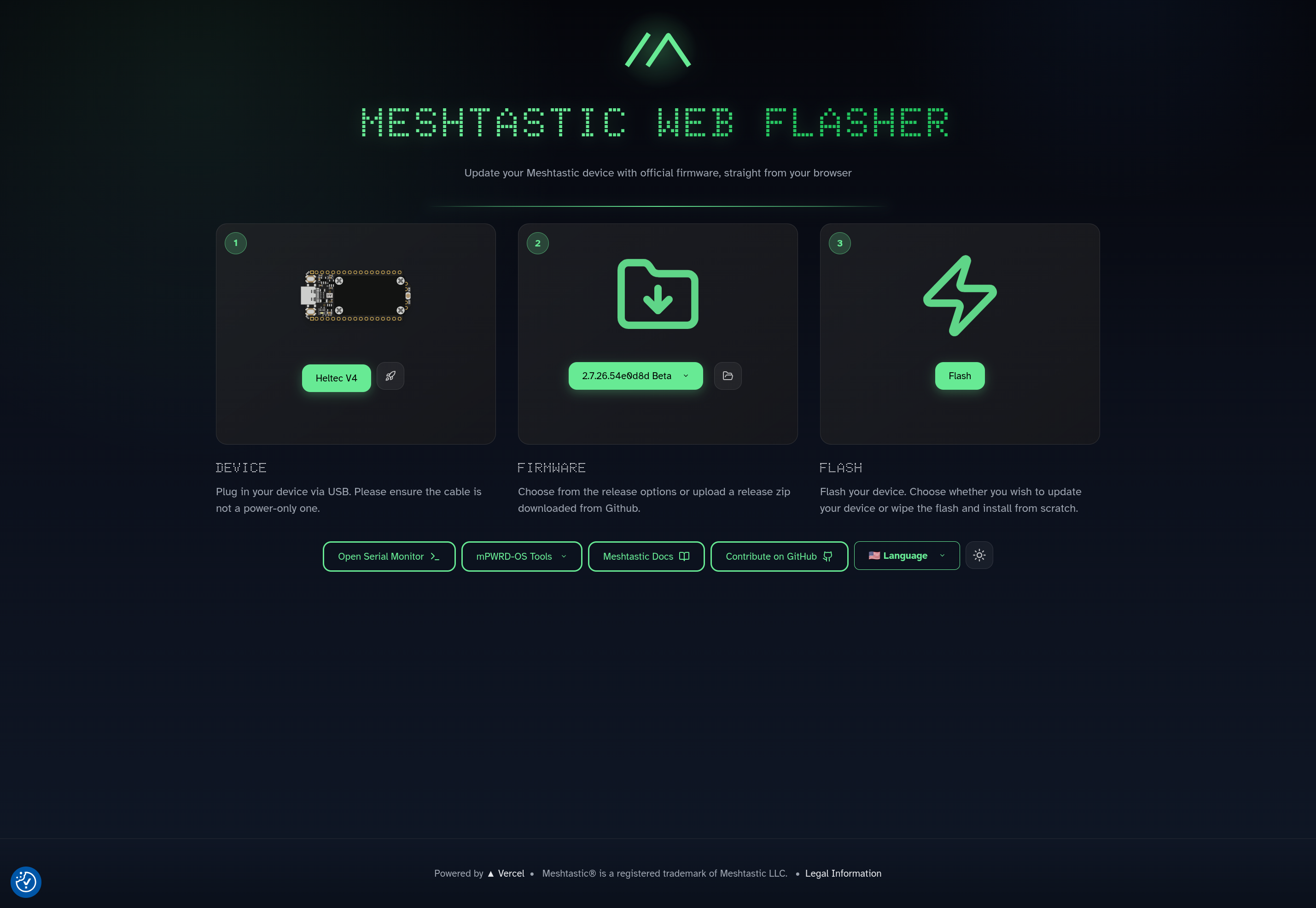
Use the Meshtastic web flasher. Target for this walkthrough: Heltec V4 (from Identify).
Verified on this desk: firmware 2.7.26.54e0d8d, Heltec V4 (heltec-v4), Full Erase on, MESHTASTIC/UI off → OLED detected (SSD1306 at 0x3c).
Steps
- Open flasher.meshtastic.org in Chrome / Chromium / Edge.
- Target: Heltec V4 (
heltec-v4). - Firmware ≥ 2.7.25 (this pass: 2.7.26.54e0d8d).
- Enter bootloader mode if needed.
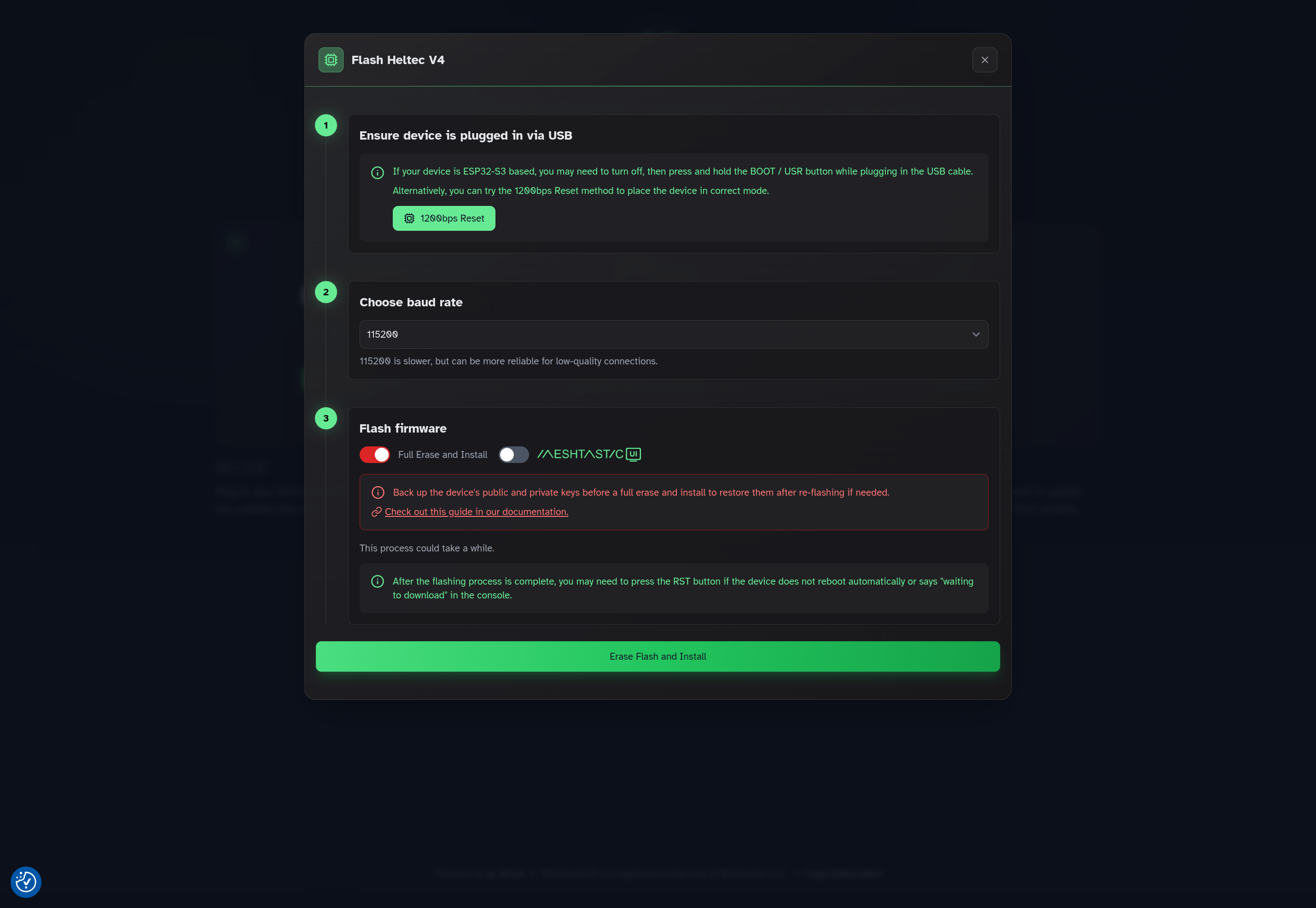
- Open Flash and set:
- Full Erase and Install: on
- MESHTASTIC/UI: off
- Baud: 115200
- Erase Flash and Install → pick USB JTAG/serial debug unit (
ttyACM*) → Connect. - Wait until app and filesystem hit 100%. Tap RST.
Why those toggles
- Full Erase pulls
.factory.bin. Builds such as 2.7.26 often have no*-update.bin(HTTP 404). - MESHTASTIC/UI on an OLED target can rewrite the download name (for example
…-oled-tft-…) and 404. Leave it off for the stock OLED.
Do not
- Rely on Update-only when the console reports HTTP 404 for
*-update.bin. - Flash a mismatched target (blank OLED) — see Overview and Troubleshoot.
Next: First boot.